TeamSync in Navisworks
Navisworks has the same pane as Revit, plus two ways to raise many Issues quickly: from Clash Detective results and from saved viewpoints.
#What is the same as in Revit
The pane, the sign-in, the Issue list, the Issue page, comments, files, activity and notifications work the same in Navisworks. Read Signing in to the add-in and Working with Issues in the pane. The Issue records its source as Navisworks and the model’s file name.
#The New issue menu
In Navisworks, + opens a menu named New issue with three choices:
| Choice | Use it to |
|---|---|
| One issue | Raise a single Issue with the same form as in Revit. The first Viewpoint choice is Navisworks image. There is no Clash sphere. |
| From clashes | Raise Issues from clash results. |
| From viewpoints | Raise Issues from saved viewpoints. |
#Raise Issues from clashes
Choose From clashes to open New issues from clashes. A note says which Project they are raised in, and that you can switch Project in the header to put them somewhere else.
Tip
Run the clash test in Clash Detective first. TeamSync reads the results that exist.
Choose where the clashes come from
The From clashes tab reads the live tests in Clash Detective in the open model. The From report tab reads an XML report: choose Choose… and pick the file.
Choose Read clashes
If none are found, the pane says so and suggests that you run a clash test in Clash Detective first, or read an exported report instead.
Pick the clashes
Choose a test in the Clash test dropdown (the default is All tests, with a count), and tick the clashes you want, or choose Select all. The Point only chip limits the list to clashes with a clash point.
Say where and how to raise them
- Raise them in is the Zone.
- Issue type starts as Clash.
- Assign to: everyone you tick is assigned to every Issue and is notified once for each.
Choose Raise N issues
N is the number of clashes you ticked. While it runs, Close turns into Stop. When it is done the window shows a summary and Read clashes again.
#The Clash card
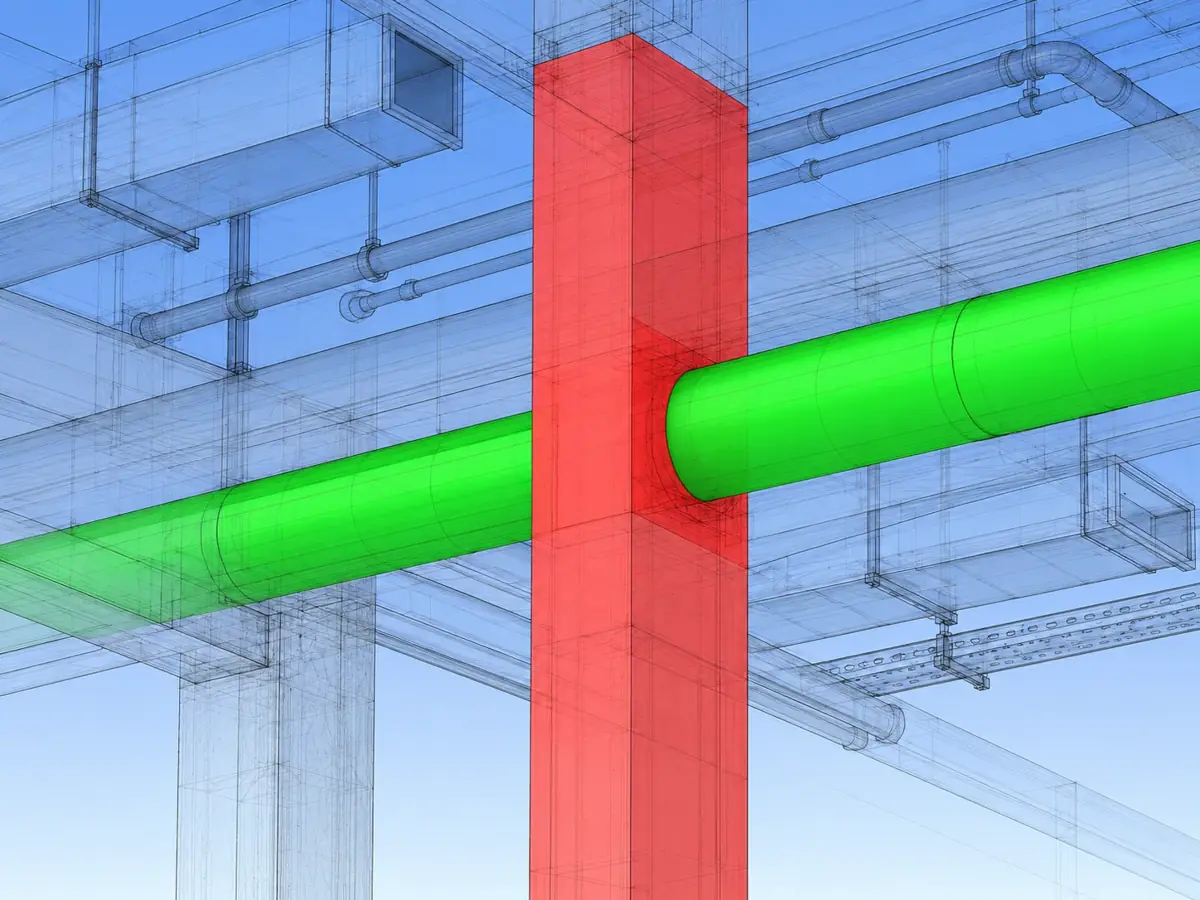
An Issue raised from a clash has a Clash card on its Issue page. It shows the test name, the status, the distance, and the two elements with the models they are in. Choose Show the clash in the model to go to it.
#Raise Issues from saved viewpoints
Choose From viewpoints to open New issues from viewpoints in its own window. It works in three steps.
Source
Choose where the viewpoints come from.
- In this model: the saved viewpoints in the open model.
- XML file: a file made with Saved Viewpoints, Export Viewpoints.
- HTML report: a file made with Export Viewpoints Report.
Viewpoints
A grid of pictures shows each viewpoint. Use Filter by name to find some, Select all to take them all, and the chips Already raised and Picture only to narrow the grid. Tick the ones you want.
Issues
Choose the Project, then set the same chips as in the New issue form, a title and a description. Due date, for every issue applies one date to all of them. Choose Raise N issues. Afterward, Raise more from these returns to the viewpoints.
#Tips
- Run the clash test first. If Clash Detective has no results, there is nothing to read.
- The Already raised chip marks viewpoints that already have an Issue. Use it to avoid raising duplicates.
- To raise Issues into a different Project, switch Project in the header before you open the window.
Can’t find what you need? Write to info@top-matrix.com and we’ll help.