Where is that issue?
Forwarded three times by email? Somewhere in a WhatsApp group? Buried in a Slack thread? On page 17 of a PDF? Not any more.
Stop hunting through chats, inboxes and PDFs. With TeamSync every issue lives in the model, one click from the exact view.
TeamSyncNow they’re all in the model.
 Buried in a Slack channel
 Lost on page 17 of a PDF report
 An element ID sent over WhatsApp
 Stuck in the project manager’s inbox
 RFI-034 Level 2 ducts.docx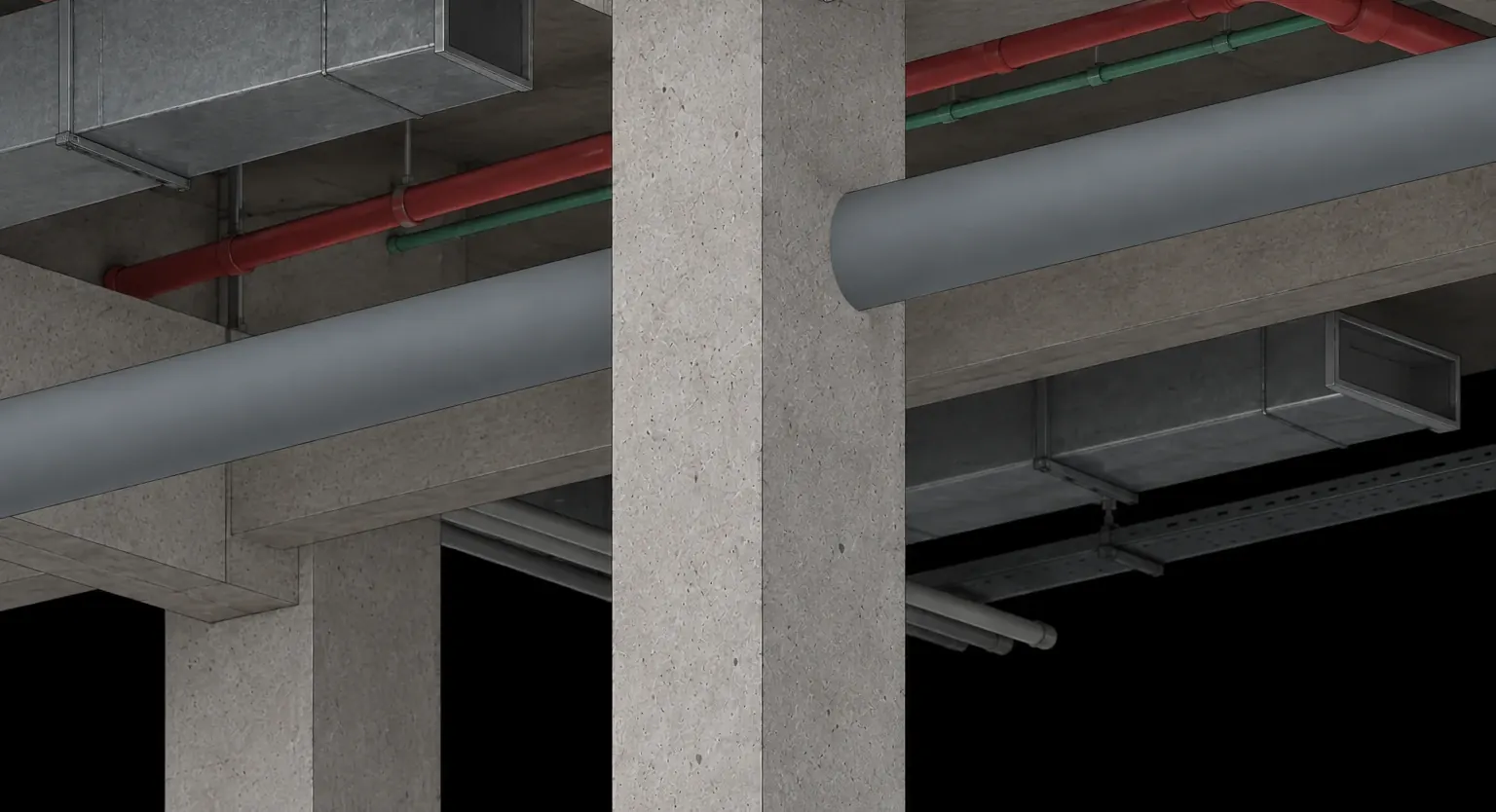
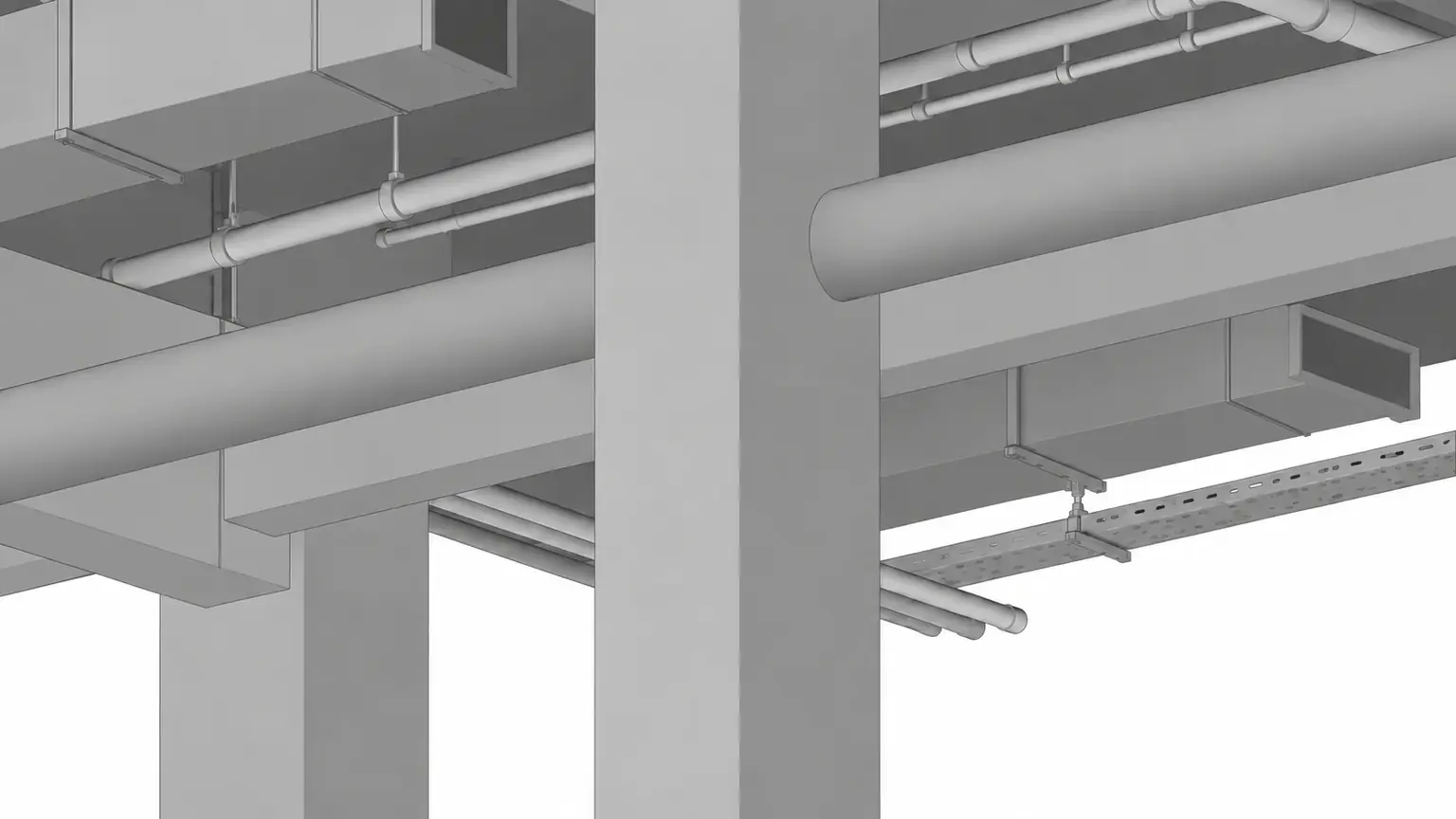
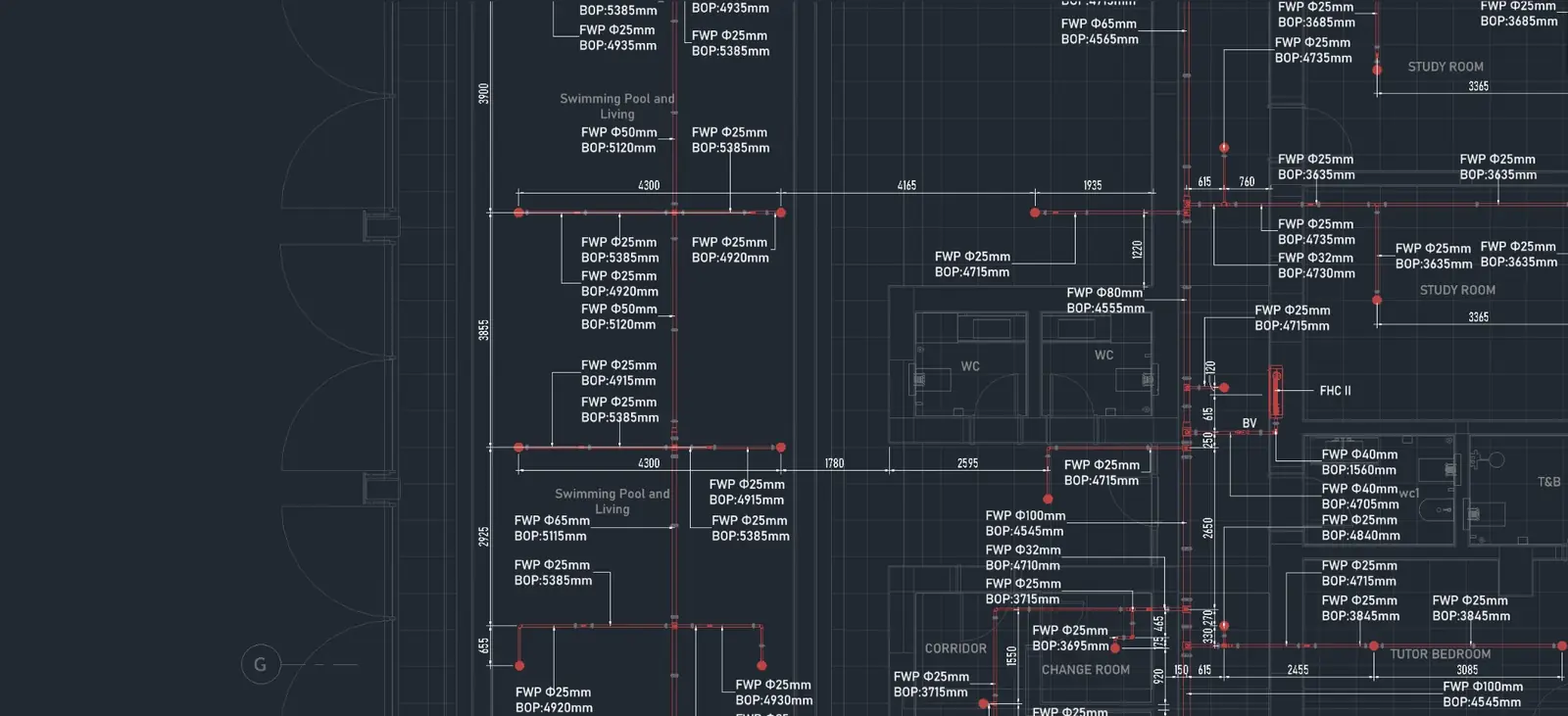
Lee’s laptop · 6 of 6
Send. It is live in Navisworks and on the web.
Spot it anywhere
Spot it anywhere. Fix it in the right model.
Wherever someone finds the problem, TeamSync opens it where the fix belongs: the same camera, the same element, one click. No IDs to copy, no screenshots to match up.
- 1
In the model you are working in
Raise it in your Revit model. Whoever opens it lands on the same view, with the element selected.
- 2
From the coordination model to the MEP model
Spot it in the federated model, with every discipline linked in. TeamSync finds the element in the MEP model and opens it there, ready to fix.
- 3
From Navisworks to Revit
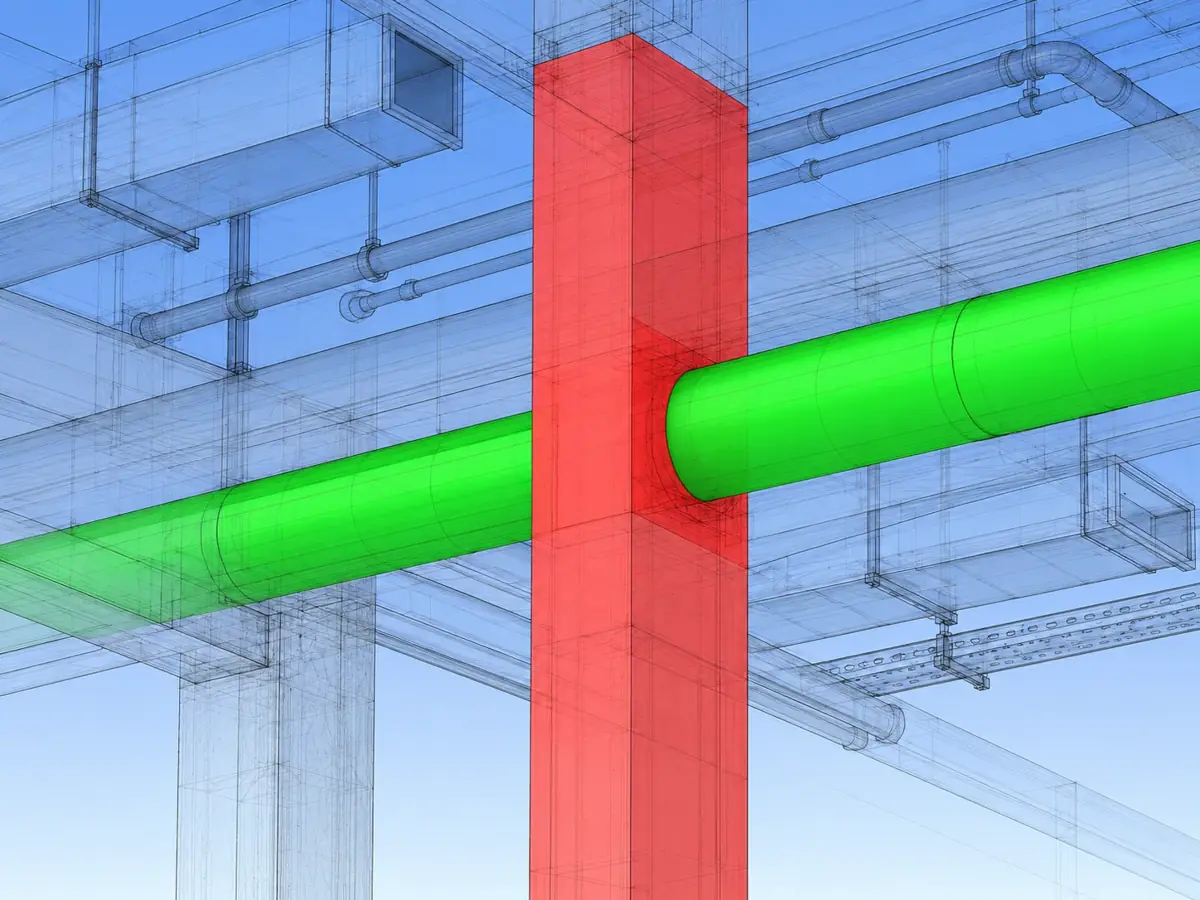
Spot the clash in Navisworks. One click opens the same spot in the Revit model, at the same camera, with the element selected.
For managers
Know where every project stands. No Revit needed.
You don’t need Revit, Navisworks or a model open to know what is happening. Open TeamSync in any browser, at your desk, on site or between meetings, and see health, overdue work and who is carrying it, live.
What you don’t need:RevitNavisworksA model openA status meetingJust a browser.
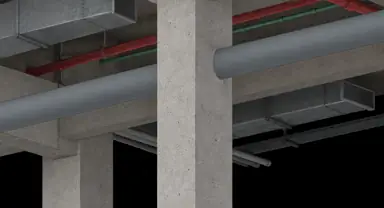
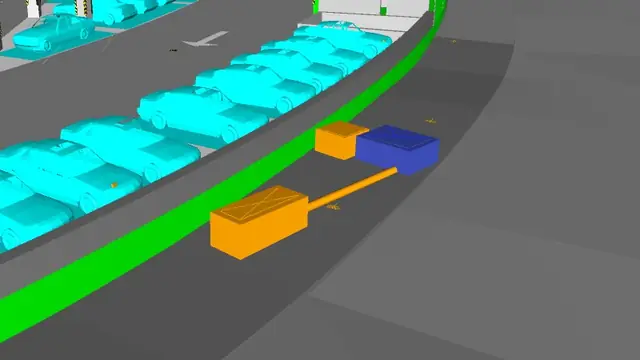
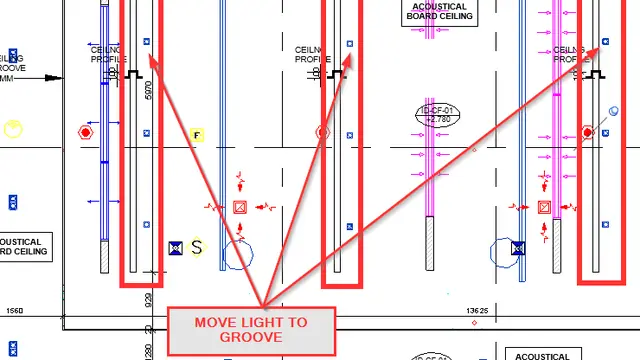
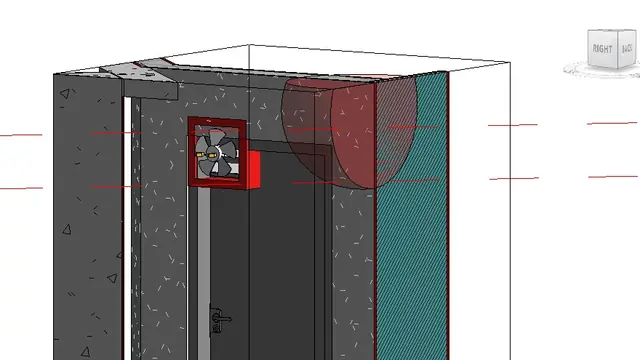

Sample data, for illustration.
- Live on every screen a change in Revit or Navisworks shows on the dashboard at once.
- Health counted for you Critical, At risk or On track, by a plain rule.
- Each person sees their own from the General Manager to the engineer.
To the exact spot
Camera, section box, hidden elements and markup come back in Revit or Navisworks.
On every platform
Revit, Navisworks and the web show the same status at the same moment.
For the whole conversation
Comments, mentions, files and history stay on the issue, not in a group chat.
Everything else a coordination team needs.
Roles per Project
A General Manager sets each Project’s Roles from a fixed list of permissions. People see all issues, their Department’s, or only their own.
Departments and Disciplines
Group people the way your company works, and tag issues by Discipline.
Zones and labels
A Zone for each building on a Project, with issue numbers that restart in each (Block B #4), plus labels and phases.
Notifications that matter
Assigned, mentioned, status changed, due tomorrow and overdue, live in Revit, Navisworks and the browser.
Export for the client
Export any filtered issue list as a CSV for the client report or the meeting.
Hosted or on your server
Use our cloud, or run it on your own infrastructure. The same add-in and the same panel either way.
Built so your data stays yours.
These are rules the server enforces, not promises.
Each company isolated
Every row carries its Organization and row-level security, so a customer’s data is invisible to every other customer.
Visibility on every read
Each person sees only the issues their Role allows, in lists, counts, the dashboard and notifications.
Support only when you allow it
Our staff read your Projects only with time-limited Support Access your General Manager grants, and it is logged.
Short-lived access
Short-lived sign-in tokens, two-step sign-in for staff, and files served through short-lived links.
Recoverable for 90 days
Removed Projects and issues can be restored for 90 days.
No tracking here
No analytics and no advertising. This site sets no cookies; the app sets one, to keep you signed in.
Questions, answered.
What do we install?
One installer adds TeamSync to Revit and Navisworks for the people who work in the model. Everyone else, and the General Manager who runs your Organization, uses the web app in a browser: nothing to install.
Which versions of Revit and Navisworks?
Revit 2023 to 2026 and Navisworks 2023 to 2026.
Do managers need Revit?
No. The dashboard, the issue lists, people and Roles are all in the browser, on a computer, a tablet or a phone. Revit or Navisworks is only needed to open an issue in the model.
What comes back when someone opens an issue?
The camera, the section box, hidden elements, the view template and the markup, in the 3D view, in Revit or Navisworks. If the open model is not the issue’s model, TeamSync warns you first.
Can we bring in our Navisworks clashes?
Yes. Import clash results straight into issues, or bring in viewpoints from the open file, an XML export or an HTML clash report.
Does TeamSync read or write BCF?
Not yet. You can export any filtered issue list as a CSV file for reports and meetings.
How do people join?
Your General Manager invites them by email. The link works once, for seven days, and each person uses a seat on your licence. There is no public sign-up.
Who sees which issues?
The General Manager sets each Project’s Roles. A Role sees all issues, its Department’s, or only the person’s own, and that rule applies to lists, counts, the dashboard and notifications alike.
How do we hear about changes?
Live, inside Revit, Navisworks and the browser: when you are assigned, mentioned, a status changes, or something is due or overdue.
Can our data stay on our own servers?
Yes. Use our cloud, or keep everything on your own network with your own PostgreSQL database and file storage. The add-ins work the same way either way.
Which browsers work?
The last two versions of Chrome, Edge, Firefox and Safari, on desktop and on phones.
Can your staff see our projects?
Only if your General Manager grants it, for a set time between one hour and seven days, read-only. Every request they make is recorded.
See it with your own model.
Tell us about your team and we will arrange a walk-through. Name, company, email and the number of seats are all we need.